Keydentials
Keydentials is an offline password manager, secure vault and 2FA authenticator. It keeps your passwords, IDs, documents and one-time codes encrypted on your phone, with no account and no cloud.
Project Overview
Keydentials was developed as a comprehensive password management solution that prioritizes user privacy and security. Unlike cloud-based password managers, Keydentials stores all data locally on the user's device, ensuring complete control over sensitive information.
The app features AES-256 encryption with PBKDF2 key derivation, biometric authentication, a built-in 2FA authenticator, and a user-friendly interface that makes password management accessible to everyone. Our team focused on creating an app that combines maximum security with ease of use.
See It in Action
Key Features
-
1
Password Manager & Secure Vault
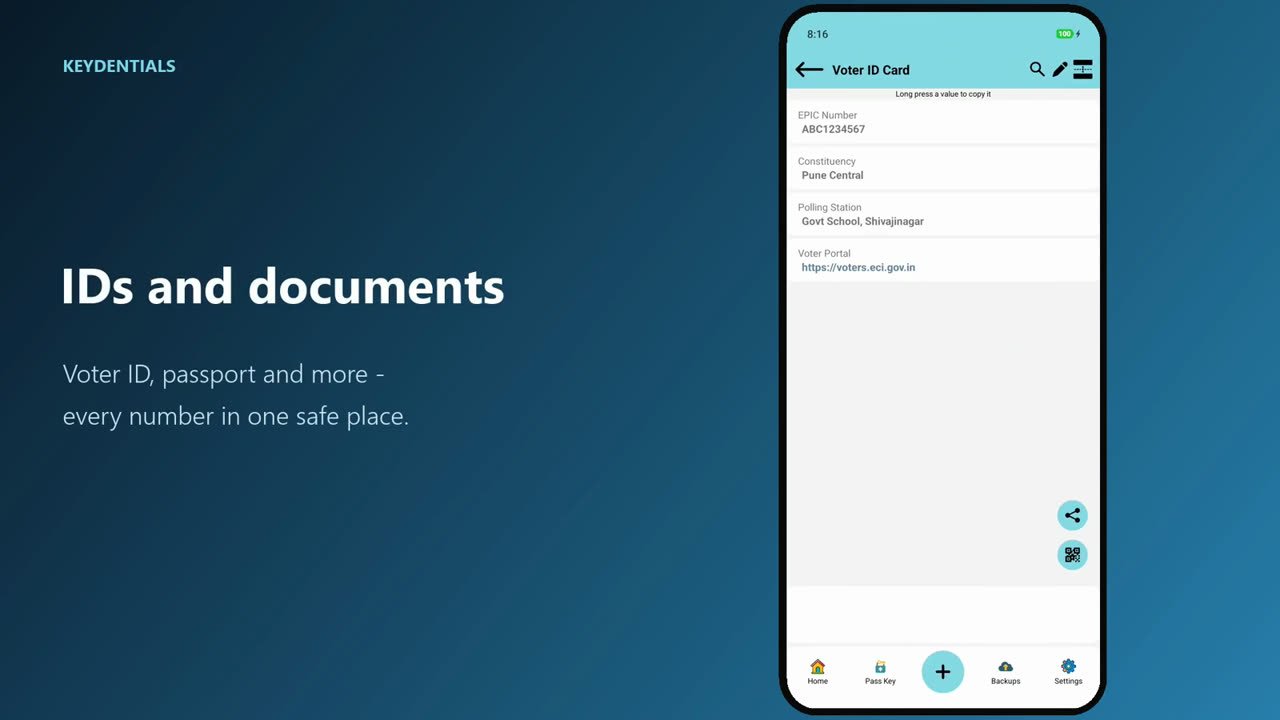
Store logins, credentials, IDs, documents and links in categories and entries, the way you think about them.
-
2
Built-in 2FA Authenticator
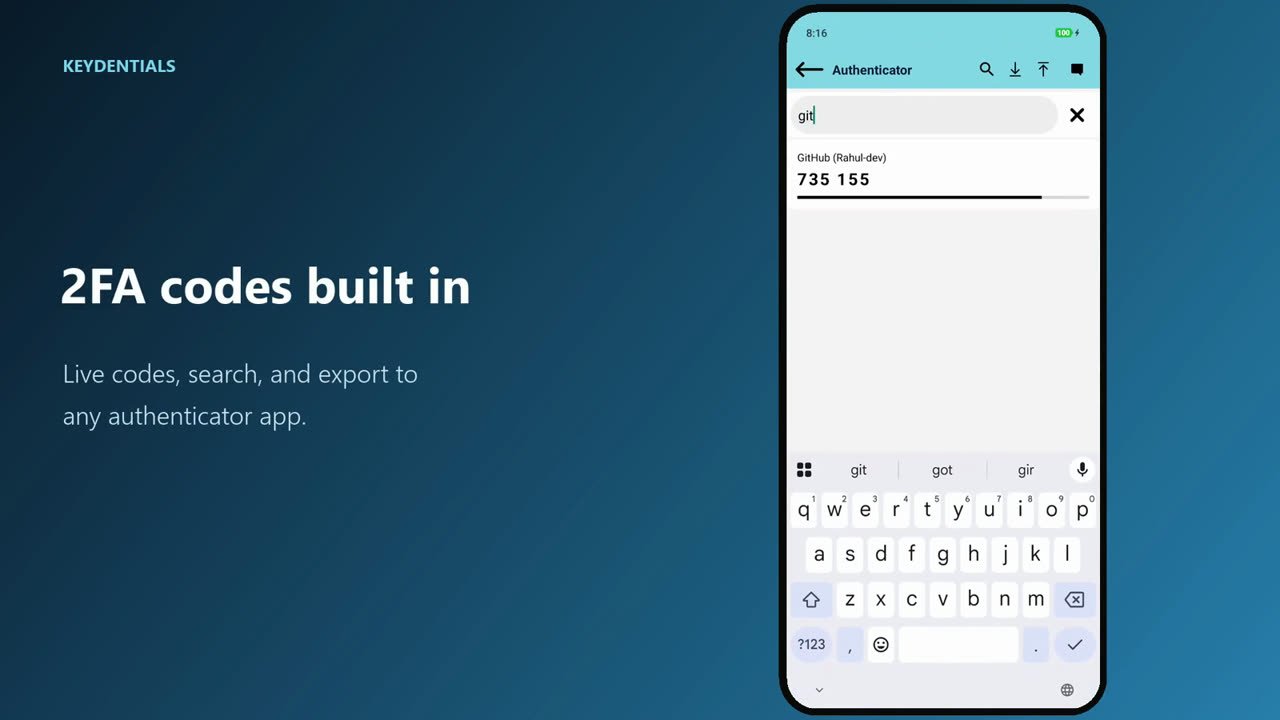
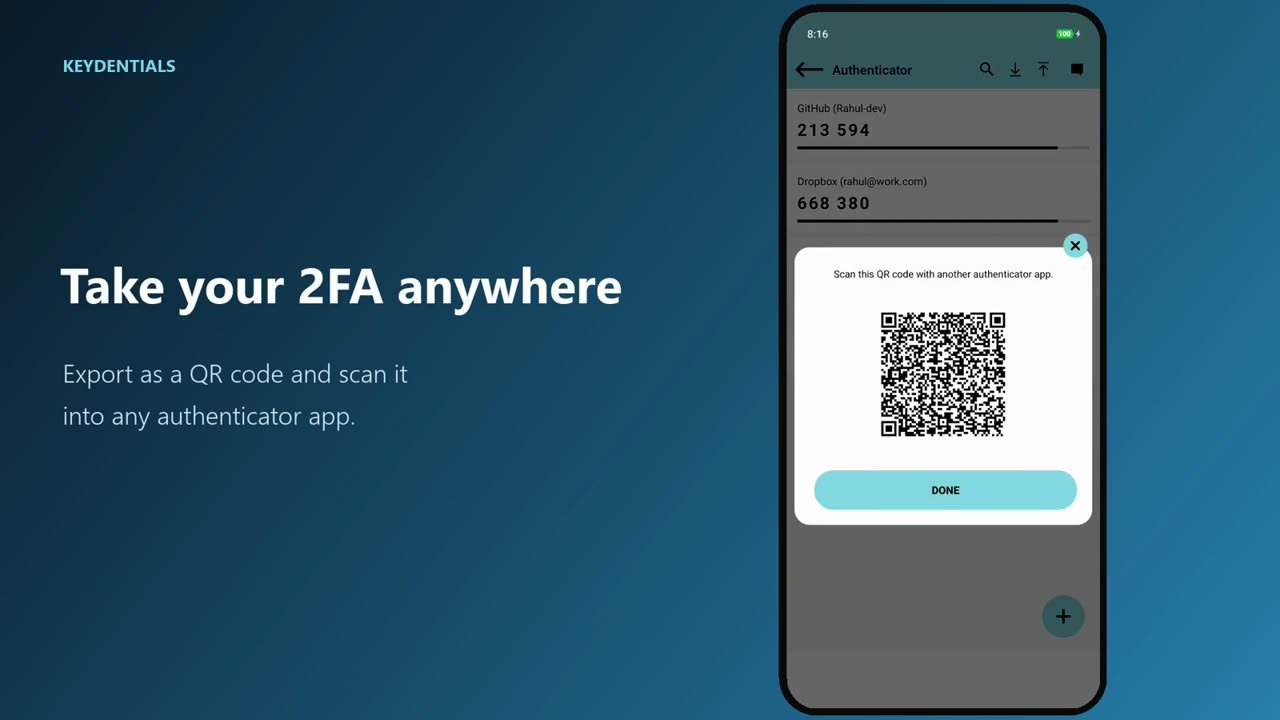
Live TOTP codes with search, QR and manual add, Google Authenticator import, and QR export to move codes to another app.
-
3
AES-256 Encryption
Every entry is encrypted with AES-256, using a key derived from your pass key with PBKDF2 and a unique salt.
-
4
Offline Storage
Your data stays on your device. No account, no cloud sync, no tracking of what you store.
-
5
On-Device Assistant
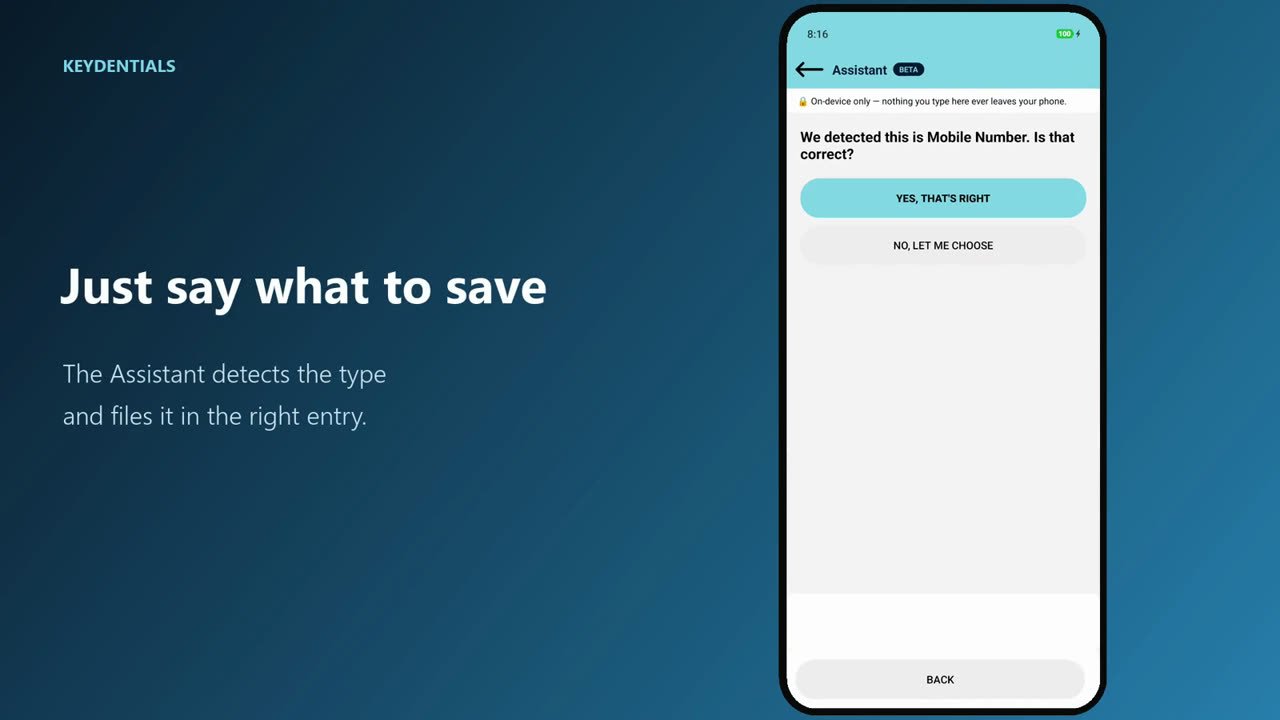
Type a field name and value and the Assistant detects the type (email, phone, link, password) with local pattern matching, then files it in the right entry. No AI, no network call.
-
6
Private Breach Check
Find out if a saved password appears in a known breach using k-anonymity, so the password itself is never sent anywhere.
-
7
Autofill Login Support
Quickly fill in login credentials without manual entry across apps and websites.
-
8
Biometric Unlock & Auto-Lock
Fingerprint or Face unlock, auto-lock after inactivity, and the clipboard clears after you copy a password.
-
9
Backup & Restore
Backup to your own Google Drive or export CSV. Your backups, your control.
Development Challenges
One of the main challenges was implementing robust offline encryption while maintaining app performance. We had to carefully optimize the encryption algorithms to ensure fast access times without compromising security.
Another significant challenge was creating an intuitive user interface for complex security features. We conducted extensive user testing to ensure that even non-technical users could easily navigate the app's advanced security options.
Results & Impact
Keydentials has reached 5K+ downloads on Google Play with a 4.2 rating, providing users with a secure, offline password management solution that gives them complete control over their sensitive data. The app has received positive feedback for its security features and ease of use.
Users particularly appreciate the offline storage capability, which addresses growing concerns about cloud-based data breaches. The app has helped improve password security habits among its users.
Download Keydentials Today
Keep your passwords, IDs and 2FA codes encrypted on your own device.
Related Projects
Check out our other mobile applications